 Phone Cleaner-Storage Manager
Your phone isn’t full. It’s cluttered.
Junk files, photos saved three times, voice notes nobody will replay. Our little robot finds what’s eating your space, you review it, and it’s gone in a few taps. Nothing leaves without your OK.

- Free on Android
- No fake virus alerts
- Ads-free plan available

 No scare tacticsHonest numbers only
 Stays on your phoneFiles never uploaded
 About a minuteScan to clean
 Android 7.0+Light on older phones
Every cleanup tool. Zero panic buttons.
No fake virus alerts. No red countdown timers. Just clear lists, real sizes, and your call on every single file.

Junk cleaner
Cache, temp files and leftovers from apps you deleted months ago. Grouped by type, so you know exactly what you’re clearing.
2.4 GBjunk found in one scan

Duplicate files
Same photo saved twice, same PDF downloaded three times. Keep the best, bin the rest.
18duplicate groupsDuplicate contacts
Three “Aamir Bhai” entries is two too many. Spot repeats and clean the list down to one.
12repeats merged
Chat media cleaner
Forwarded videos, old memes and long voice notes, sorted by size so heavy stuff shows first.

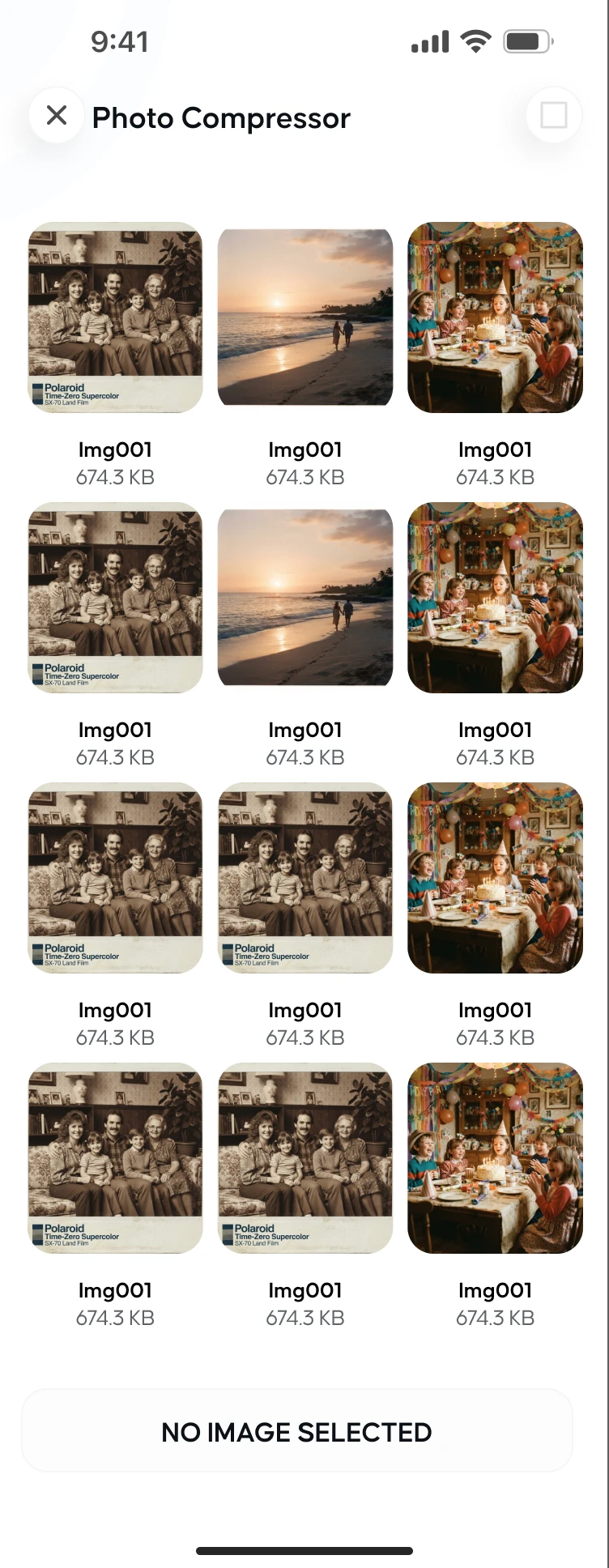
Photo compressor
Shrink big photos into lighter files that still look like your photos.

File manager that makes sense
Images, videos, music, docs, downloads and APKs in clear categories, with recent files one tap away.
- Images
- Videos
 Audio
Audio- Docs
 Downloads
 APKs
APKs
App manager
See apps you haven’t opened in months and uninstall them with Android’s own controls.
7apps unused for 30+ days
Storage analyzer
One bar, one number, zero guessing. See where your space actually went.


A cleaner you can actually trust.
Most cleaners scream “47 viruses found!” to scare you into tapping. We built the opposite.
No fake alerts. Ever.
Your phone doesn’t have 47 viruses. This is a cleaner, not a horror movie.

You approve every delete
Nothing is removed until you review the list and tap the button yourself.
Your files stay home
Scans run on your phone. Photos, files and contacts are never uploaded anywhere.
Ads-free if you want
Ads keep the app free. One purchase inside the app makes them disappear.
Take a look inside.
Big numbers, clear buttons, no maze. You’ll know what to tap before you finish reading this.
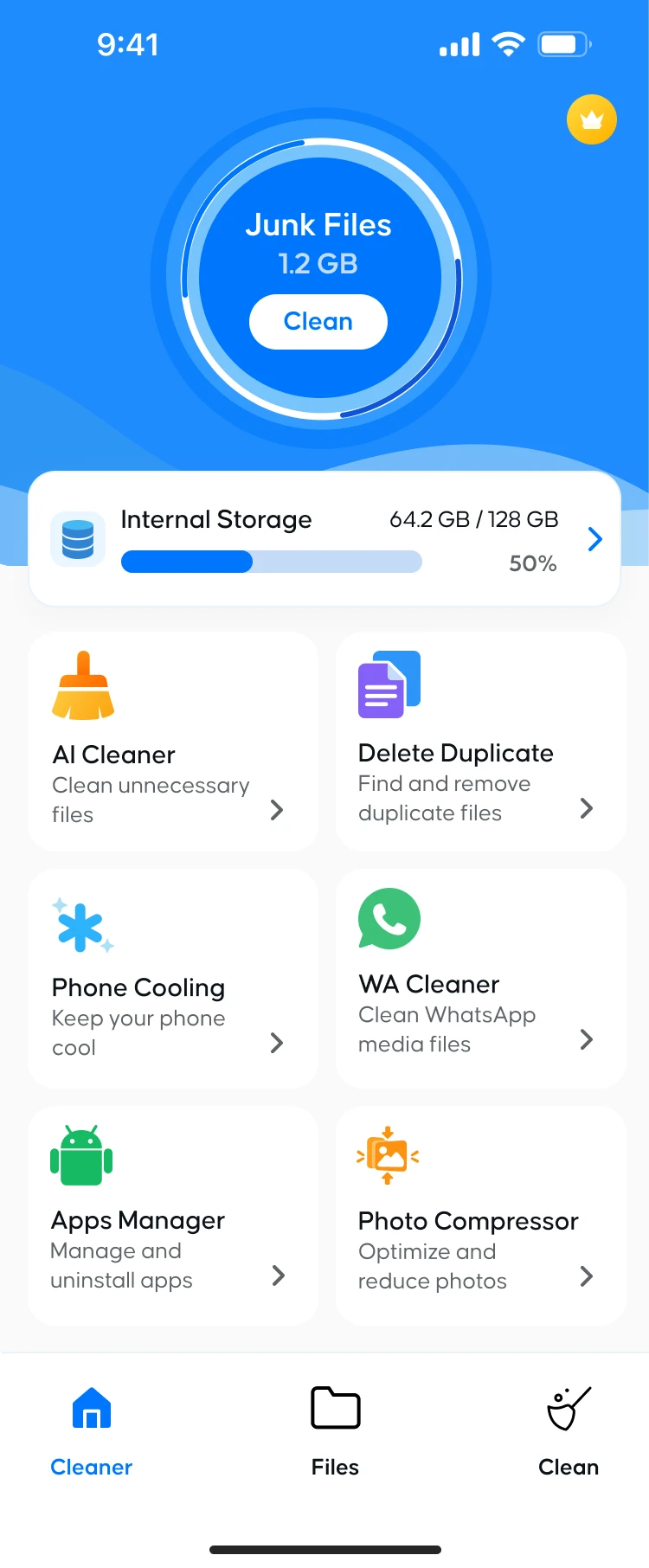


Scan. Review. Breathe.
Three steps, about a minute, and no guessing about what just disappeared.
- 1

Scan
One tap checks junk, duplicates, chat media and big files across your phone.
- 2

Review
See every file, its size and where it lives. Untick anything you want to keep.
- 3

Free up
Tap clean and watch the storage bar drop. That quiet feeling? That’s space.
Questions, answered.

Didn’t find yours? Email info@devcampsolutions.online and a real person will reply.
Is the app free?
Yes. Phone Cleaner-Storage Manager is free to download and use. It shows ads to stay free, and you can buy the ads-free plan inside the app to remove them.
Will it delete anything without asking?
No. The app only shows you what it found. Files, contacts and apps are removed only after you review the list and confirm.
Why does it ask for All files access?
To find junk, duplicates and large files across your whole storage, Android needs you to allow file access. Your files are scanned on your phone and never uploaded.
Why does it need access to my contacts?
Only for the Duplicate contacts tool. The app reads contacts on your phone to find repeats, and changes them only when you choose to clean them up.
Does it work on older phones?
Yes. It runs on Android 7.0 and up, and it is built to stay light on everyday, mid-range phones.
Where can I read the privacy policy?
Right here: Privacy Policy and Terms & Conditions.
Free up space. Keep the good stuff.
Your photos stay. The junk doesn’t. Takes about a minute to see how much room you’ve been missing.